For videos made with Meta Muse Video
Voice swap for Meta Muse Video
Change the Voice in Meta Muse Video Clips
Muse Video generates video with native audio. Keep the shot you like and swap only the voice: same words, same language, same timing, with the music and effects left as they are.
Includes 1,500 free credits to test your clips
- Same language, never translated
- Picture untouched
- Music and sound effects kept
Why the Voice Is the Hardest Part of a Native-Audio Clip
- 1
A voice you cannot pick
Meta previewed Muse Video in July 2026 as its first video model with native audio. Like other native-audio generators, the voice comes with the clip; changing it normally means generating the clip again.
- 2
Regenerating changes the picture
Rerolling a prompt to get a better voice costs credits and gives you a new shot, so the camera move, acting and timing you liked are gone.
- 3
Voices drift between clips
Clips from different generations, or from different tools, rarely share the same voice. When you cut them into one story, the same character can sound like several people.
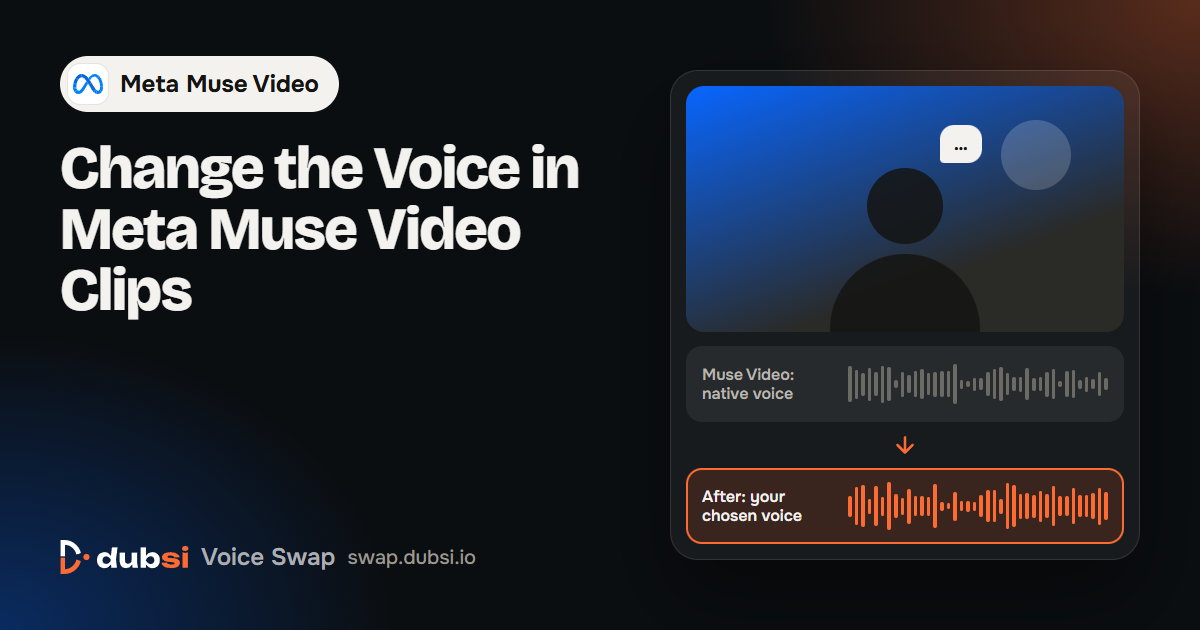
A Muse Video Clip Before and After DubSI Voice Swap
| Fix the voice by regenerating | Swap the voice with DubSI Voice Swap | |
|---|---|---|
| Picture | New generation, new shot | Original frames untouched |
| Voice | Whatever the new generation gives | The voice you choose, sentence by sentence |
| Music and effects | Regenerated with the clip | Original background kept and mixed back |
| Several clips | Each clip may get a different voice | One character keeps one voice across clips |
| Cost | Generation credits for every retry | Pay by video length, billed by the second |
At the time of writing, Meta describes Muse Video as an early preview coming soon to creators and Meta AI, and lists audio-video synchronization as an area it is still improving. DubSI Voice Swap changes only the spoken voice of a finished clip; it does not translate or edit the picture.
Swap the Voice in 3 Steps
- 1Upload your Muse Video clip
Upload the MP4, MOV, WEBM or MKV you exported (up to 2 minutes on the free trial). The clip must already contain spoken words.
- 2Choose a voice
Pick a voice from the library, design one by gender, age and pitch, or add your own from a 4–30 second sample with the speaker's consent.
- 3Review and download
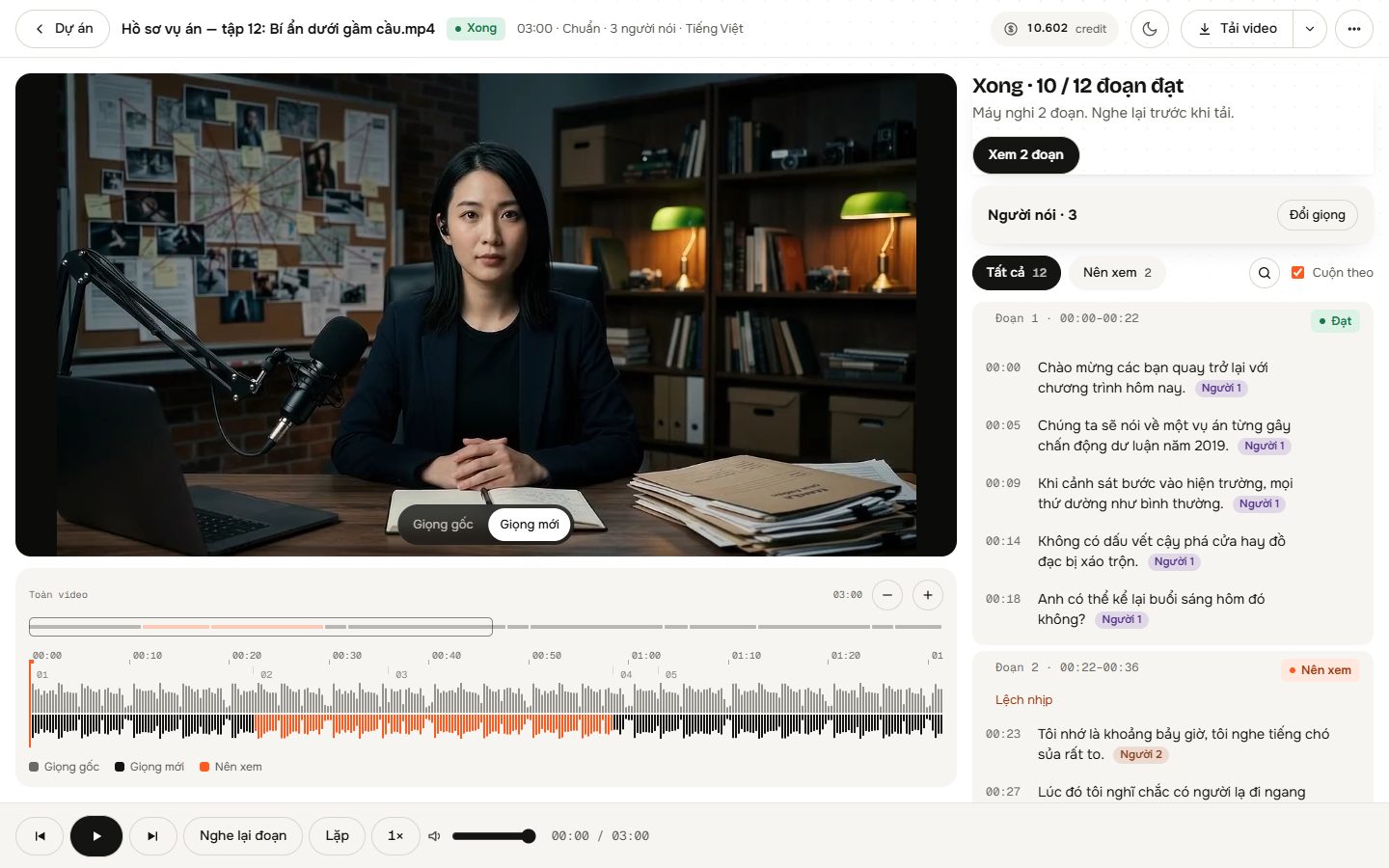
Listen to every segment in the Studio, switch between the original and new voice, then download the video, WAV audio or SRT subtitles.
Built for Finished AI Clips
Music and effects kept
AI separates the voice from the background, then mixes the new voice back over the original music, ambience and sound effects.
Timing follows the original
The new voice follows the original speech sentence by sentence, so the mouth movements on screen still match.
Laughs and sighs re-performed
Laughter and sighs are performed again in the new voice instead of being cut or left in the old voice.
Singing left alone
Singing is detected and kept as the original, so musical moments are not re-voiced.
Several speakers
AI listens to the audio and looks at the frames to tell who says each line. Give each person a different voice, up to 4 in Multiple speakers mode.
Every segment checked
AI listens back to each converted segment and flags words that came out wrong, so you hear those first.
Where a Muse Video Voice Swap Helps
Keep the take, fix the voice
You like the shot but not the voice. Change the voice and keep the exact picture you generated.
One character, one voice
Cut clips from several generations into one story and give your character the same voice in every scene.
Your own brand voice
Replace the generated voice with a designed voice or a consent-backed voice of your own for ads and social posts.
Pay for the Minutes You Use
No subscription. Standard costs $0.06 per minute of video, billed by the second. New accounts get 1,500 free credits.
- No subscription; buy credits when you need them
- 300 credits per minute at Standard ($0.06/min)
- Credits refunded automatically if a system error stops processing
- 1,500 free credits for new accounts
Frequently asked questions
Is DubSI Voice Swap made by Meta?
No. DubSI Voice Swap is an independent tool. It works on any video file you export, including clips generated with Muse Video.
Can I use it before Muse Video is widely available?
Yes. DubSI Voice Swap works with any video that already has speech, from any AI video tool or a camera.
Does it translate the dialogue?
No. The words and the language stay the same. Only the voice speaking them changes.
Will the picture change?
No. The frames are never edited. The new voice follows the original timing, so the existing mouth movements still match.
What happens to music and sound effects?
They are kept. AI separates the voice from the background and mixes the new voice back over the original track.
Can the clip be silent?
No. DubSI Voice Swap replaces existing speech; it does not create speech for a silent video.
Keep the Shot. Change the Voice.
Upload a Muse Video clip, choose a voice and download the same picture with the voice you want.
Start with Free Credits